
Key Takeaways
- ›Switching IT providers is routine and low-risk when it’s run as a planned transition — not something to keep avoiding because change feels scarier than the mediocre service you already have.
- ›The “downtime” fear is almost always avoidable. A good incoming provider runs your old and new setup in parallel and cuts over quietly — you keep working the whole time.
- ›Before you move, make sure you own the keys — your domain, your Microsoft 365 tenant, your admin credentials, and your backups. That’s what keeps a switch from being held hostage.
- ›Clear red flags that it’s time: slow or no response, purely reactive service, no security roadmap, everything depending on one person, and invoices that keep surprising you.
Here’s something we hear all the time from Las Vegas business owners: “We know our IT company isn’t great, but switching sounds like a nightmare.” They picture a weekend of chaos — email down, files missing, phones dead, staff standing around — and decide it’s easier to just live with slow tickets and a provider who never picks up the phone.
That fear is understandable. It’s also mostly a myth. Changing IT providers is one of the most routine things a competent managed IT services company does — and when it’s planned properly, you shouldn’t lose so much as an hour of productivity. The businesses that get burned are almost always the ones who rushed it, skipped the documentation, or didn’t control their own accounts. All of that is avoidable.
This guide walks through when it’s actually time to switch, why a clean transition doesn’t cause downtime, what a good onboarding looks like step by step, and how to protect yourself on the way out.
Why Businesses Stay Too Long
Most companies don’t stay with a mediocre IT provider because they’re happy. They stay because of friction. It usually comes down to a few fears:
- “We’ll have downtime.” The assumption that moving means everything goes dark for a stretch. It doesn’t have to — more on that below.
- “They have all our passwords.” A real fear of being locked out of your own systems, or that a departing provider won’t hand things over cleanly.
- “We don’t have time to manage a switch.” The team is already stretched, and a migration sounds like a second job.
- “Better the devil we know.” Years of history with the current provider, even a frustrating one, feels safer than the unknown.
Every one of those is solvable — and none of them is a good reason to keep paying for service that’s holding your business back. The real question isn’t “is switching scary?” It’s “what is the mediocre IT actually costing us in lost time, security risk, and stalled projects?”
Is It Actually Time to Switch?
Frustration in a single bad week isn’t a reason to move. A pattern is. If several of these sound familiar, you’re not being impatient — you’ve outgrown your provider:
- Slow or unpredictable response. Tickets sit for days, and you never quite know when someone will get back to you. There’s no clear SLA (service-level agreement) that spells out response times.
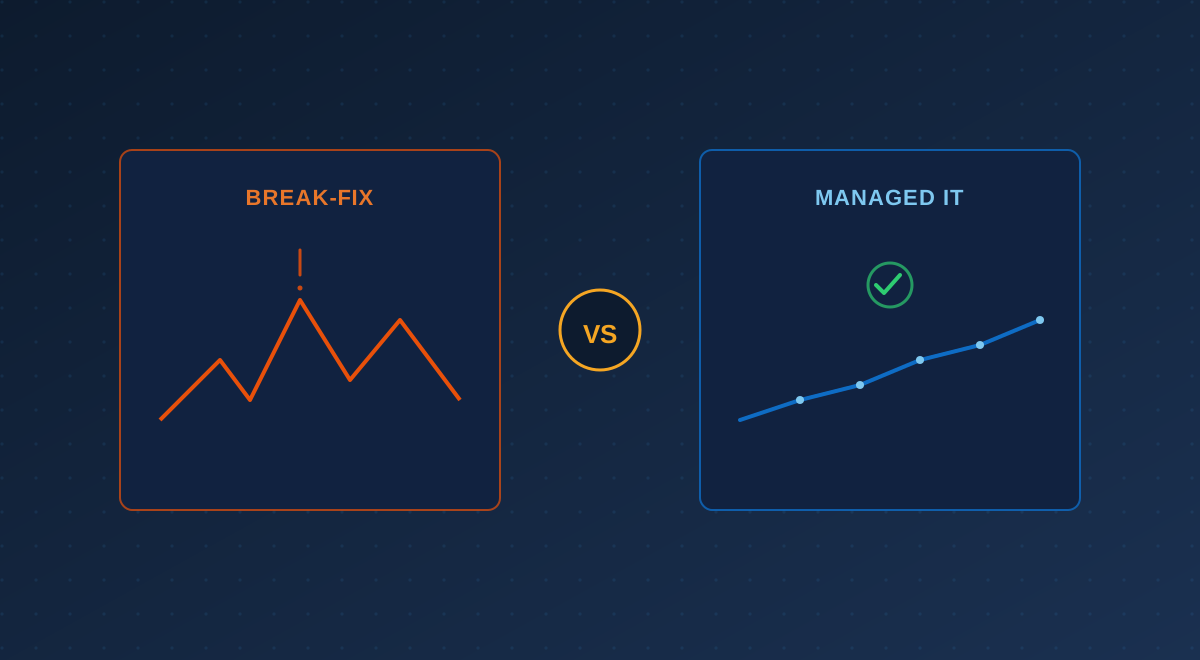
- Everything is reactive. They fix what breaks but never get ahead of anything — no patching cadence, no monitoring, no planning. (That’s the difference we cover in Managed IT vs. Break-Fix.)
- No security roadmap. You can’t get a straight answer on backups, multi-factor authentication, or what would happen in a ransomware event.
- One-person dependency. Your whole environment lives in one technician’s head. If they’re on vacation or leave the company, you’re stuck.
- Surprise invoices. Every request becomes a line item, and the bill never matches what you expected.
- You’ve simply grown. What worked at five people strains at twenty-five. (We unpack this in 5 Signs You’ve Outgrown Your IT Setup.)
If you’re at the point of comparing options, our guide on how to choose a managed IT provider in Las Vegas covers what to look for in the next one.
The Myth of the Painful Switch
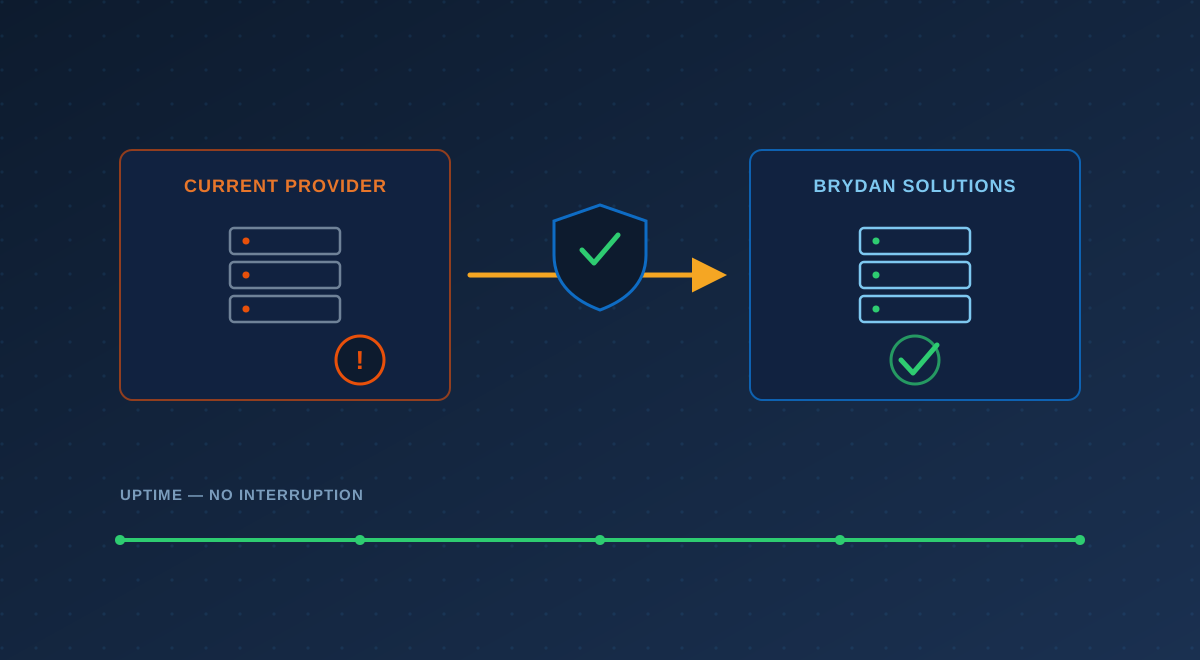
Here’s the part that surprises people most: a well-run provider switch happens in the background. You don’t flip a switch on Friday and hope email works Monday. Instead, the incoming provider spends the first couple of weeks quietly learning and documenting your environment, deploys their monitoring tools alongside what you already have, and only takes the wheel once everything is mapped and tested.
Crucially, most of what makes IT work — your Microsoft 365 email and files, your line-of-business apps, your internet — doesn’t move at all when you change providers. Your data stays exactly where it is. What changes is who manages it: whose monitoring agent (RMM) is watching your machines, who holds the admin keys, and who answers when you call. That’s an administrative handoff, not a forklift move.
The rare cases that do involve real migration — say, moving off a server the old provider owned, or leaving an email system they controlled — are still planned to happen after hours, in stages, with a fallback. “We can’t have downtime” isn’t a reason to avoid switching. It’s simply a requirement you hand the new provider, and a competent one plans around it.
What a Good Onboarding Looks Like
A provider worth hiring has a repeatable onboarding process — not a “we’ll figure it out” shrug. It generally runs in five stages:
- Discovery & audit. They inventory every device, user, app, and account, and document how your environment is actually put together — often catching security gaps the old provider left behind.
- Documentation & credentials. They collect (and where needed, reset) admin credentials, confirm you own your core accounts, and write everything down so your setup no longer lives in one person’s memory.
- Transition plan. They map out exactly what changes, when, and what the fallback is — sequenced so nothing customer-facing goes down during business hours.
- Parallel run & cutover. New monitoring, security, and backup tools go in alongside the old, get verified, and then management formally hands over — quietly, usually without staff noticing.
- Hypercare (first 30 days). Extra attention right after cutover to catch anything the audit missed and make sure your team knows how to reach the new help desk.
If a prospective provider can’t describe their onboarding in plain terms, that itself is a warning sign. The company that will run your IT for years should be able to tell you exactly how the first month goes.
Protect Yourself: Own Your Own Keys
The single biggest thing that makes a switch painful is discovering — too late — that your outgoing provider controls something you can’t easily take back. Before you give notice, confirm you own or can access these:
| Asset | Who should hold it | Why it matters when you switch |
|---|---|---|
| Domain name / DNS | Your business | Controls your email and website; a provider holding it can stall your move |
| Microsoft 365 / Google tenant | Your business (global admin) | Your mail, files, and users live here — you must hold the top-level keys |
| Admin passwords & documentation | Your business | The new team needs them to take over cleanly instead of rebuilding blind |
| Backups | You / independent of the provider | Your data must be portable and restorable, not locked to their tools |
| Firewall & network configs | Documented for your business | Avoids rebuilding the network from scratch during cutover |
If you’re not sure where you stand on some of these — especially your Microsoft 365 tenant and your backups — that’s worth sorting out regardless of whether you switch. Owning your own keys is basic business hygiene, and a good incoming provider will help you establish it as part of onboarding.
Leaving Your Current Provider Professionally
You don’t need a dramatic exit. A clean, professional departure actually makes your transition smoother:
- Check your contract first. Note the notice period (often 30–60 days) and any terms about returning data or equipment. Your new provider can start work before the old contract fully ends.
- Give written notice. Keep it short and businesslike. You don’t owe a detailed critique — just a clear end date.
- Request a documentation handover. Ask for admin credentials, network diagrams, license details, and account access in writing. A reputable provider will cooperate; if yours won’t, that’s confirmation you’re making the right call.
- Let the two providers talk. The cleanest transitions happen when your incoming team coordinates the handoff directly — with your sign-off — so nothing falls through the cracks.
Questions to Ask Before You Sign
Put the onboarding question to any provider you’re considering. Good answers here predict a good relationship:
- What does your onboarding process look like, week by week?
- How do you make sure we don’t have downtime during the switch?
- How do you handle getting credentials and documentation from our old provider?
- Will we own our domain, Microsoft 365 tenant, and backups outright?
- What’s your response-time SLA, and who do we actually reach when we call?
The Bottom Line
The businesses that dread switching providers are usually the ones who’ve never seen it done well. Done right, it’s a planned, quiet handoff — your data stays put, your team keeps working, and a few weeks later you simply have IT that answers the phone and gets ahead of problems instead of chasing them.
If your current provider is the reason you clicked on this article, you already have your answer. The only real question is whether the next one runs the transition like professionals. That’s exactly the kind of thing worth talking through with a local team that does it regularly.
Talk to Brydan
Thinking About Switching IT Providers?
Brydan Solutions has moved plenty of Las Vegas businesses off IT they’d outgrown — without the downtime they were bracing for. We’ll map your environment, coordinate the handoff, and take the wheel quietly. Explore our managed IT services or just talk it through with a real person.
About the Author
Brydan Solutions is a veteran-owned, minority-owned managed IT and cybersecurity provider based in Las Vegas, serving Nevada businesses since 2002. Our team manages IT, cybersecurity, business phones, connectivity, and business continuity for small and mid-sized organizations across the Las Vegas Valley and remotely nationwide. Learn about our team or talk to a real person.
Continue Reading